Platform
The Go AMS platform is the central interface where you manage your entire automation operation. Here you have visibility and control over all resources.
Overview
The Go AMS platform provides a complete dashboard for creating, running, and monitoring automations. All management is done through the browser — no installation needed besides the Runner on the execution machine.
Main features
Runners
Desktop agents that execute your processes. Install on the machine, log in, and register the Hardware ID on the platform to get started.
Processes and Workflows
Create processes with Python, Java, Excel, and more. Build visual workflows chaining actions with success and failure conditions.
Jobs
Each process execution generates a job. Track status in real time: pending, running, success, terminated, or error.
Schedules
Schedule automations to run at specific times using presets (daily, weekly, monthly) or custom cron expressions.
Queues
Organize processing data with queues. Create queues, configure automatic retry, and track the status of items processed by the system.
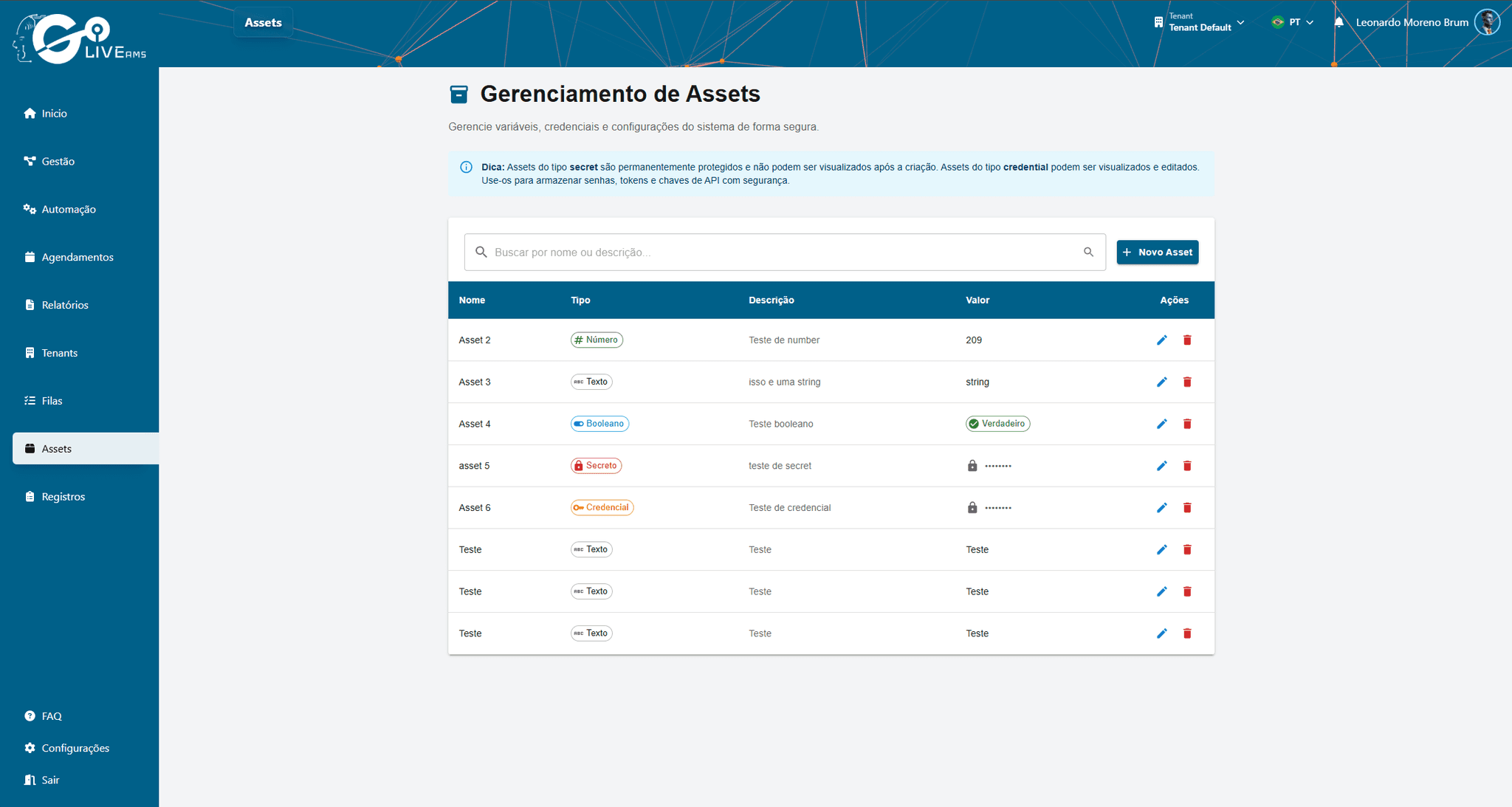
Assets
Store shared resources such as files, configurations, and credentials that can be used by any process.
Dashboard
The main dashboard provides a consolidated view of the entire operation:
Runner status (Online, Offline, Busy)
Recent jobs and their statuses
Upcoming schedules
Execution metrics and indicators
Account types
Go AMS offers two account types that affect available features:
Individual
Individual account with access to all basic features: Runners, processes, jobs, schedules, queues, and assets.
Business
Corporate account with all Individual features, plus: Tenants for environment isolation, API Key for integrations, and team management.
Corporate account with all Individual features, plus: Tenants for environment isolation, API Key for integrations, and team management.