Tenants
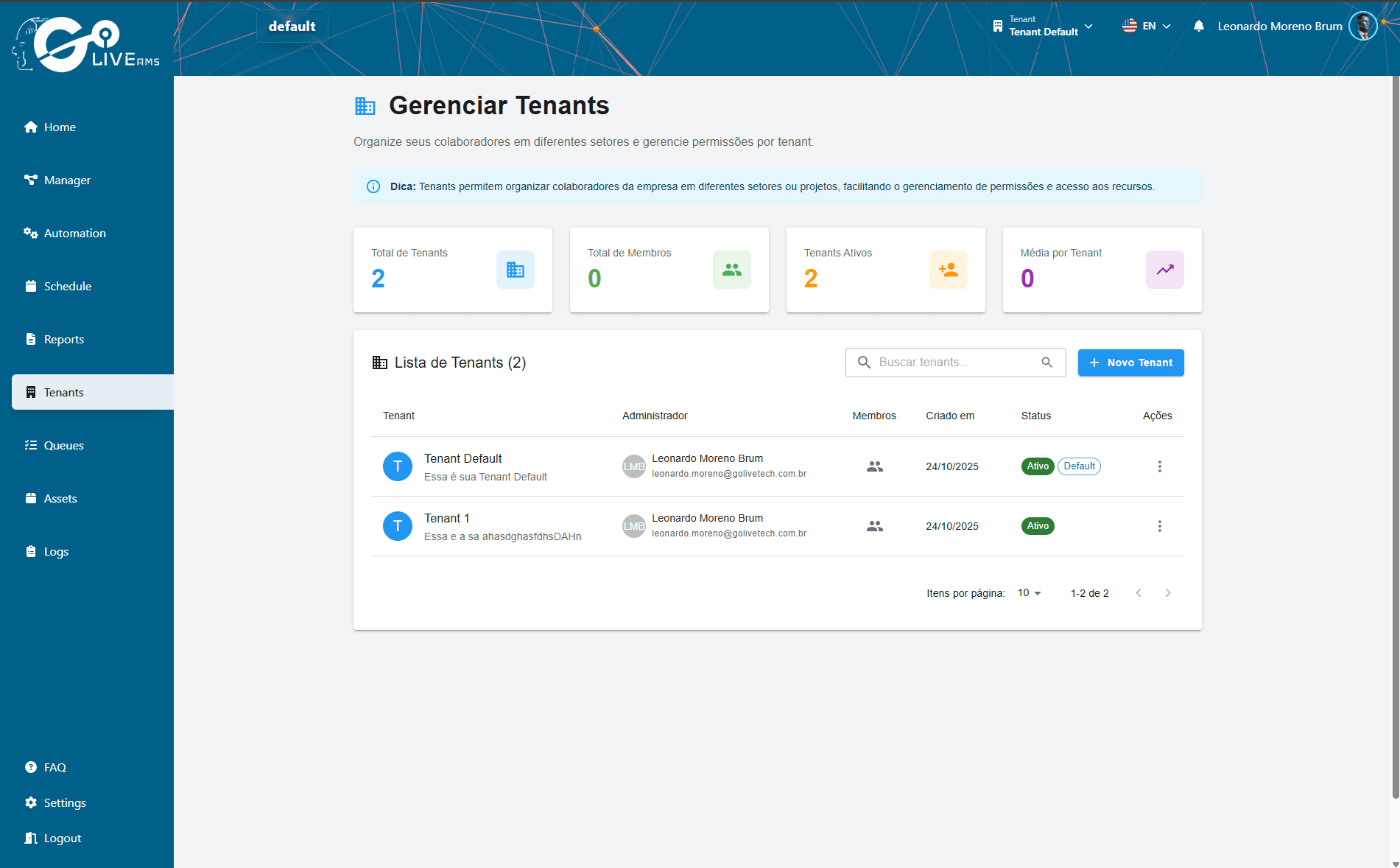
Tenants are isolated environments within a Business account. Each Tenant has its own processes, Runners, jobs, queues, and assets, allowing complete separation between teams or projects.
What are Tenants
Tenants allow a company to organize its automation operation into independent environments. Each Tenant works as a separate space within the same Business account, with complete data and resource isolation.
Availability
Tenants are an exclusive feature for Business accounts. If you have an Individual account, you won't have access to this feature.
How it works
Create a Tenant
The Business account administrator creates Tenants through the platform, defining the name and environment settings.
Assign members
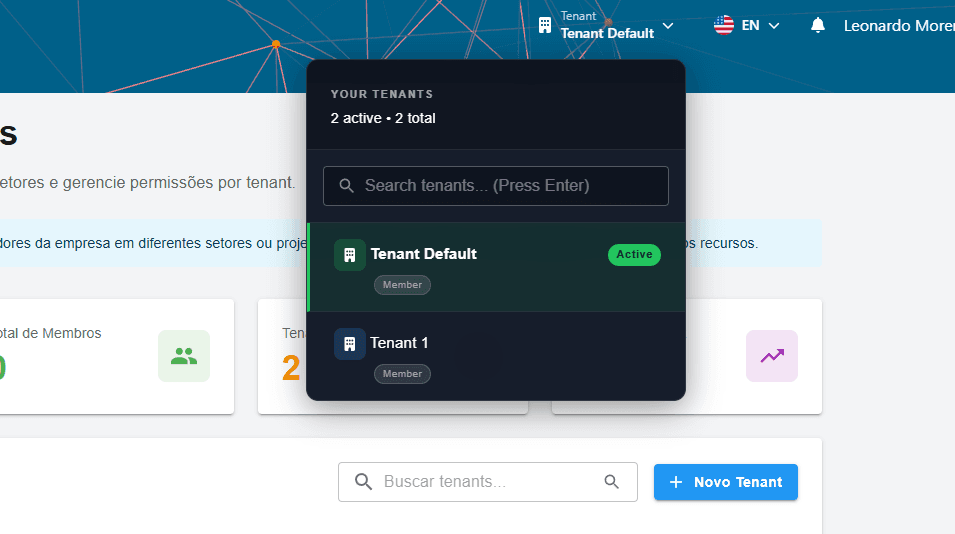
Invite team members and define which Tenants each person will have access to.
Configure resources
Each Tenant has its own Runners, processes, schedules, queues, and assets — all separated from others.
Generate API Key
If needed, generate an API Key within the Tenant to enable REST API integrations.
Use cases
Common examples of how companies use Tenants:
Environment separation
Create Tenants for production and staging, ensuring that tests don't affect production automations.
Team separation
Each department (finance, HR, IT) can have its own Tenant with dedicated processes and Runners.
Client separation
Companies providing automation services can create a Tenant for each end client.
API Key and Tenants
The API Key is generated within a Tenant. This means each API call accesses only the resources of that specific Tenant, maintaining isolation.
Each Tenant can have its own API Key
The key grants access only to that Tenant's resources
If the Tenant is removed, the API Key stops working
Summary
Tenants are essential for corporate accounts that need organization and isolation:
- 1
Available only for Business accounts
- 2
Each Tenant is an isolated environment with its own resources
- 3
Team members can be assigned to specific Tenants
- 4
API Keys are generated per Tenant for integrations
- 5
Ideal for separating environments, teams, or clients